
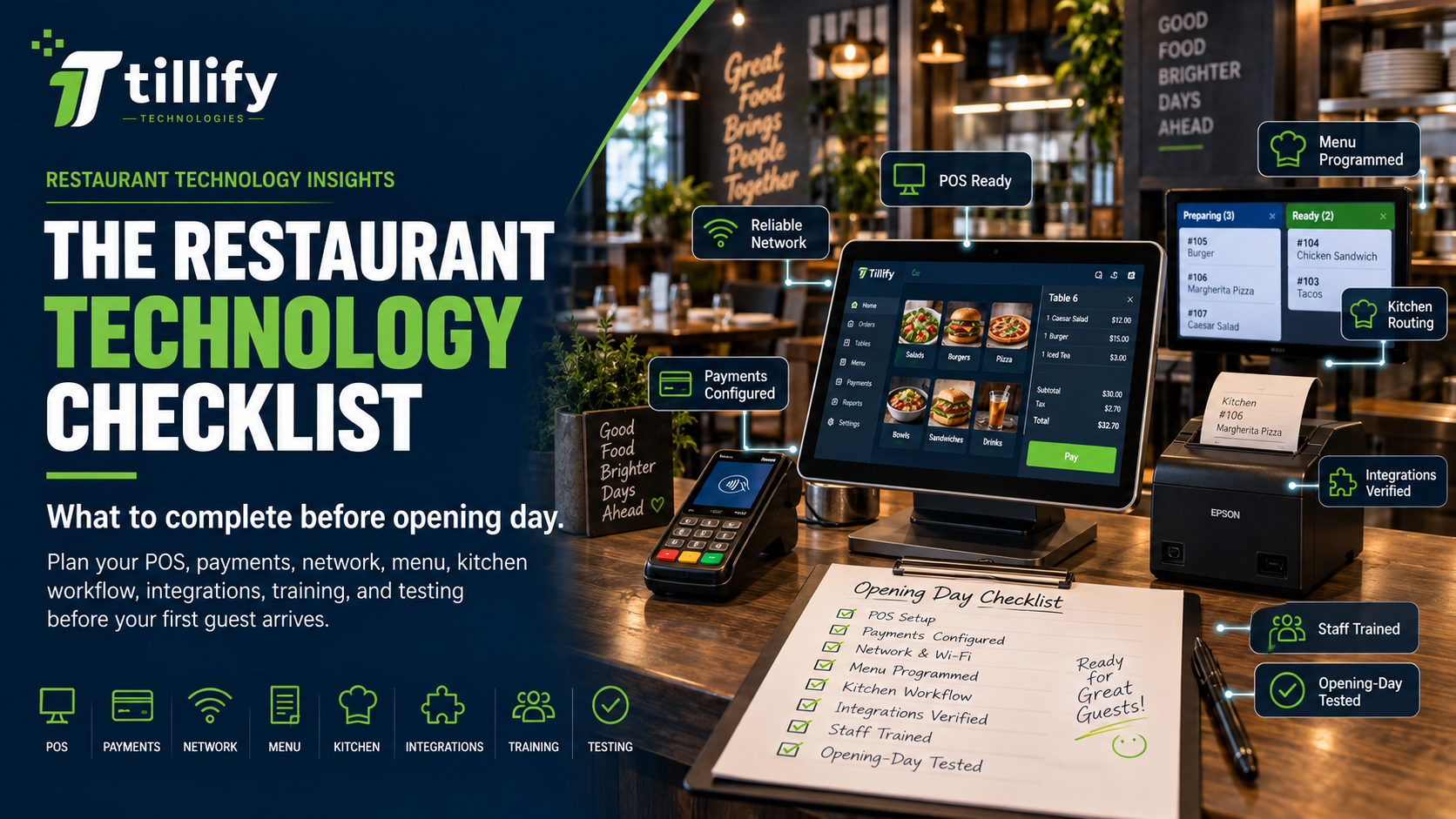
The Restaurant Technology Checklist to Complete Before Opening Day
Opening a restaurant requires hundreds of decisions.
Menu development. Staffing. Equipment. Permits. Vendors. Furniture. Training. Marketing.
Somewhere in the middle of all that, someone has to make sure the technology actually works. Restaurant technology is easy to underestimate because much of it stays invisible until something goes wrong. A POS terminal may look simple sitting on the counter, but behind it may be payment processing, printers, kitchen displays, internet service, Wi-Fi, online ordering, integrations, menu programming, user permissions, reporting, and dozens of individual configuration decisions. Waiting until opening week to put those pieces together can create unnecessary stress. A better approach is to treat restaurant technology as part of the opening plan from the beginning.
Here’s what restaurant owners should have in place before opening day.
1. Choose the POS Based on How the Restaurant Will Operate
Don't start with:
“Which POS should we buy?”
Start with:
“How will our restaurant actually operate?”
Think through the guest experience from beginning to end.
Will guests order at a counter or from a server?
Will servers use stationary terminals or handhelds?
Will you offer takeout?
Delivery?
Online ordering?
A bar?
Patio service?
Catering?
Kiosks?
Different ordering models require different technology.
Before choosing a system, document things such as:
- Number of terminals
- Number of payment devices
- Handheld requirements
- Kitchen printers or kitchen displays
- Guest-facing displays
- Cash drawers
- Online ordering
- Takeout workflows
- Delivery integrations
- Bar ordering
- Multiple revenue centers
The goal is to choose a POS that fits the operation, not to change the operation to fit the POS.
2. Finalize Payment Processing Early
Payment processing is often treated as something that gets handled after the POS decision.
It shouldn't be.
Your processing arrangement can affect:
- Payment hardware
- POS compatibility
- Pricing
- Contracts
- Online payments
- Gift cards
- Chargebacks
- Funding
- Setup timelines
Understand who will process your payments and what hardware is required.
Confirm that merchant accounts and payment devices will be activated before you need to start testing transactions.
You don't want opening day to be the first time anyone tries to run a credit card.
3. Order Hardware With Time to Spare
Restaurant openings rarely happen exactly as planned.
Neither do hardware deliveries.
Order equipment early enough that delays don't turn into an opening-day emergency.
Depending on your operation, that may include:
- POS terminals
- Handheld devices
- Payment terminals
- Guest-facing displays
- Cash drawers
- Receipt printers
- Kitchen printers
- Kitchen display screens
- Kiosks
- Barcode scanners
- Back-office equipment
Once the equipment arrives, inventory it. Confirm that everything you ordered is actually there. Missing cables and power supplies aren't exciting problems, but they can still disrupt an installation.
4. Plan the Network Before the POS Arrives
Don't treat your network as an afterthought. Modern restaurant technology depends heavily on reliable connectivity.
Before installing the POS, determine:
- Where internet service enters the building
- Where networking equipment will live
- Where POS terminals will be installed
- Where printers and kitchen displays will be located
- Where wireless access points are needed
- Whether handhelds require full dining-room or patio coverage
- Whether guest Wi-Fi will be offered
- Whether backup internet is appropriate
If possible, complete network installation before installing restaurant technology. Deploying POS equipment is much easier when reliable wiring and wireless connectivity are already in place.
5. Build the POS Menu Carefully
Menu programming deserves more attention than it often receives. Your POS menu affects both speed and accuracy.
Before entering anything into the system, organize:
- Menu categories
- Items
- Prices
- Modifiers
- Required selections
- Optional selections
- Upcharges
- Sizes
- Add-ons
- Discounts
- Happy-hour pricing
- Daypart availability
- Tax rules
Think about the workflow from the employee's perspective. A server shouldn't have to search through six screens to ring in a common item. Likewise, the system shouldn't present employees with dozens of irrelevant modifiers just because they technically exist. Good menu programming should make the correct order easy to enter.
6. Decide Where Every Order Should Go
Plan order routing before service begins. When an employee rings in an item, where should it appear?
A restaurant might route:
Drinks → service bar
Appetizers → fry station
Entrées → kitchen
Desserts → pantry station
Takeout orders → dedicated production area
Depending on your setup, routing may involve printers, kitchen display systems, or both.
Test each route individually.
Then test complete orders containing items from several stations.
You want to know that the entire order reaches the right places before the first guest sits down.
7. Set Up Employee Roles and Permissions
Avoid creating one generic login that everyone shares. Create employee roles based on actual responsibilities.
For example:
Server
Can enter orders, split checks, process payments, and use approved discounts.
Bartender
May have additional access to tabs or cash drawers.
Manager
Can approve voids, comps, refunds, and reopened checks.
Owner/Admin
Can manage reporting, menus, employees, and system configuration.
Role-based permissions make the system easier to manage and can reduce unnecessary access to sensitive functions.
8. Configure Online Ordering Before You Promote It
If online ordering is part of your opening plan, test the entire experience. Don't just confirm that the website accepts an order.
Place a real test order.
Then follow it through the restaurant.
Check:
- Menu availability
- Modifier behavior
- Pricing
- Taxes
- Service fees
- Pickup times
- Order throttling
- Kitchen routing
- Notifications
- Payment processing
- Refund procedures
A successful online checkout doesn't necessarily mean the restaurant received the order correctly.
Test the entire chain.
9. Verify Every Integration
Restaurants often rely on multiple platforms from day one.
Common integrations include:
- Online ordering
- Delivery
- Reservations
- Accounting
- Payroll
- Scheduling
- Loyalty
- Gift cards
- Inventory
- Marketing
- Kitchen displays
Don't assume an integration works just because two accounts are connected.
Verify what information actually moves between the systems.
For example:
Does sales data reach accounting correctly?
Do online orders enter the POS automatically?
Do menu changes sync?
Do gift cards work across ordering channels?
Test each integration before opening.
10. Configure Reporting Before You Need It
Owners often wait until after opening to think about reporting. Decide beforehand what information you'll want to see.
Consider reports for:
- Daily sales
- Labor
- Payment reconciliation
- Discounts
- Voids
- Comps
- Menu-item sales
- Order channels
- Sales by hour
- Employee performance
If the POS supports automated reports, schedule them. That way, useful information begins arriving as soon as you open instead of becoming another project later.
11. Train Employees Using Real Scenarios
POS training shouldn't be limited to showing staff how to enter one order.
Use realistic situations.
Have employees practice:
- Entering complicated orders
- Adding modifiers
- Splitting checks
- Combining checks
- Transferring tables
- Applying discounts
- Processing cash
- Processing cards
- Adding tips
- Handling refunds
- Fixing incorrect payments
- Reprinting receipts
Managers should receive additional training on administrative functions and troubleshooting. The goal isn't just to teach people where the buttons are. It's to make common situations feel routine before the restaurant gets busy.
12. Run a Full Mock Service
This may be the most valuable technology test you can perform. Before opening to the public, simulate an actual shift.
Have someone act as the guest.
Ring in multiple tables simultaneously.
Send drinks to the bar.
Send food to the kitchen.
Modify orders.
Split checks.
Process payments.
Place online orders.
Print receipts.
Run manager reports.
Try to break things.
A mock service exposes workflow problems that individual system tests often miss.
13. Have an Opening-Day Support Plan
Even after thorough testing, something will probably go wrong. That doesn't mean the opening failed.
It means restaurants are complicated.
Before opening day, know:
- Who supports the POS?
- Who supports the network?
- Who supports payment processing?
- Who supports online ordering?
- Who supports integrations?
- Who can make menu changes?
- Who has administrator credentials?
- Which phone numbers to call?
Keep that information somewhere managers can easily access it. Opening night is not the time to search through old email threads looking for a support number.
What Should Be Finished Before Opening Day?
Ideally, your restaurant should reach a point where the technology is no longer being “installed.” It's being used.
By the time you open, employees should already have entered orders, processed payments, sent food to the kitchen, handled discounts, placed online orders, and closed checks. Managers should know where to find reports and how to handle common problems. The restaurant's network, POS, payments, and integrations should have already survived a realistic test. Opening day will provide enough surprises. Your technology doesn't need to be one of them.
The Bottom Line
Restaurant technology works best when you plan it as part of the operation, not add it at the end of the construction project.
Start early.
Understand the workflow.
Build the network.
Configure the menu carefully.
Test every device and integration.
Train the team.
Then test everything again under realistic conditions.
The goal isn't simply to have a POS installed before opening.
The goal is to have a restaurant technology system that's ready to operate before the first guest walks through the door.
Opening a Restaurant?
Tillify Technologies helps restaurants plan, configure, install, and support point-of-sale systems and the technology surrounding them. From POS setup and menu programming to installation, networking, and ongoing maintenance, we can help ensure your restaurant technology is ready when you are. Opening day should be about your guests, not troubleshooting your POS.


